Custom Vinyl Sleeves: What You Can Design
By Dylan AnderPublished November 21, 2026Updated November 21, 2026
Jacket, sleeve, and label
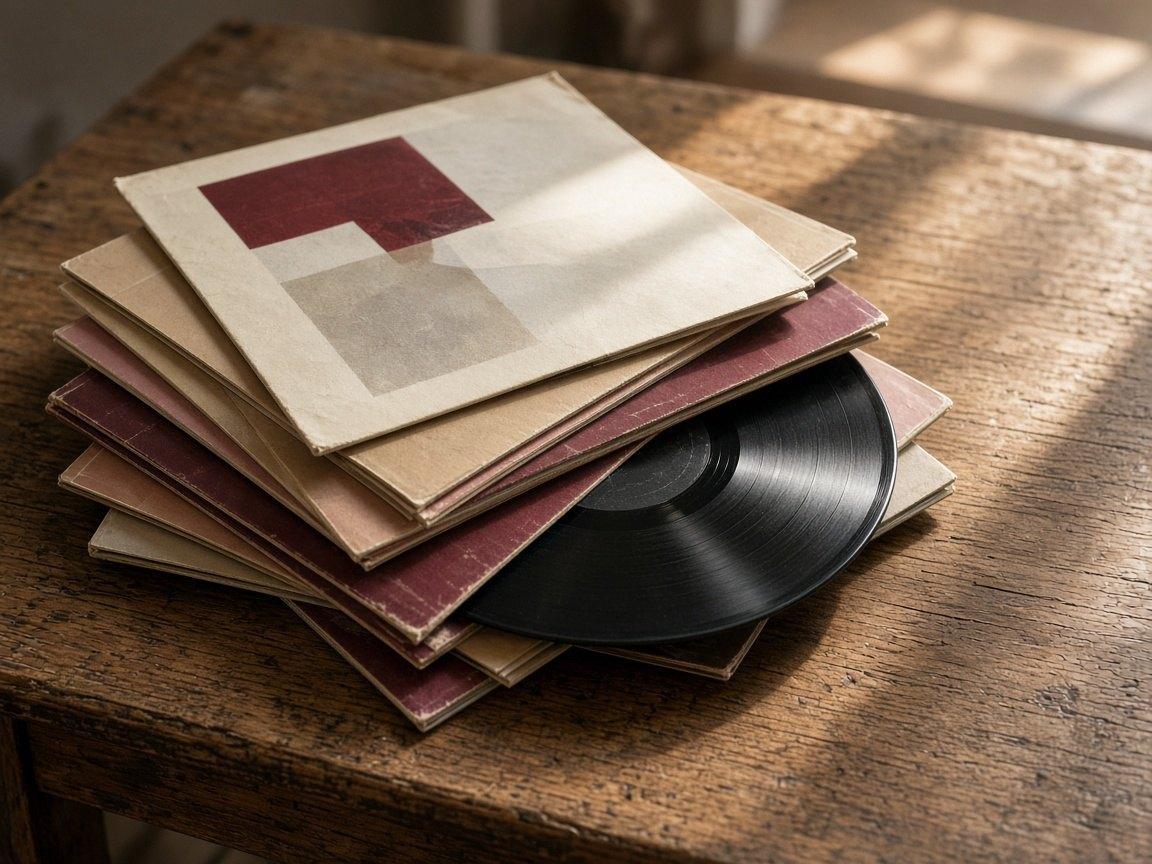
A custom vinyl sleeve is usually one of two things: the printed jacket (the outer cover with the artwork) or a printed inner sleeve that the disc sits in. Those are different parts. The jacket is the pocket you see on a shelf. The inner sleeve is the thinner sleeve around the record itself.
On Still Vinyl, you can design the cover: title text or an uploaded image, in the record builder or with the album cover maker. The builder does not currently include an inner-sleeve designer. This page is the packaging explainer, not a second art tool.
Jacket, outer sleeve, and inner sleeve
Shops and collectors mix these words, which is why search results for "custom vinyl sleeve" jump between artwork and protective bags. A clear split, from Gotta Groove Records' glossary of common vinyl terms (checked November 21, 2026):
- Jacket (also called a cover): the outer pocket the record is inserted into. Jackets are commonly printed cardstock. A spine is the thin edge you read on a shelf.
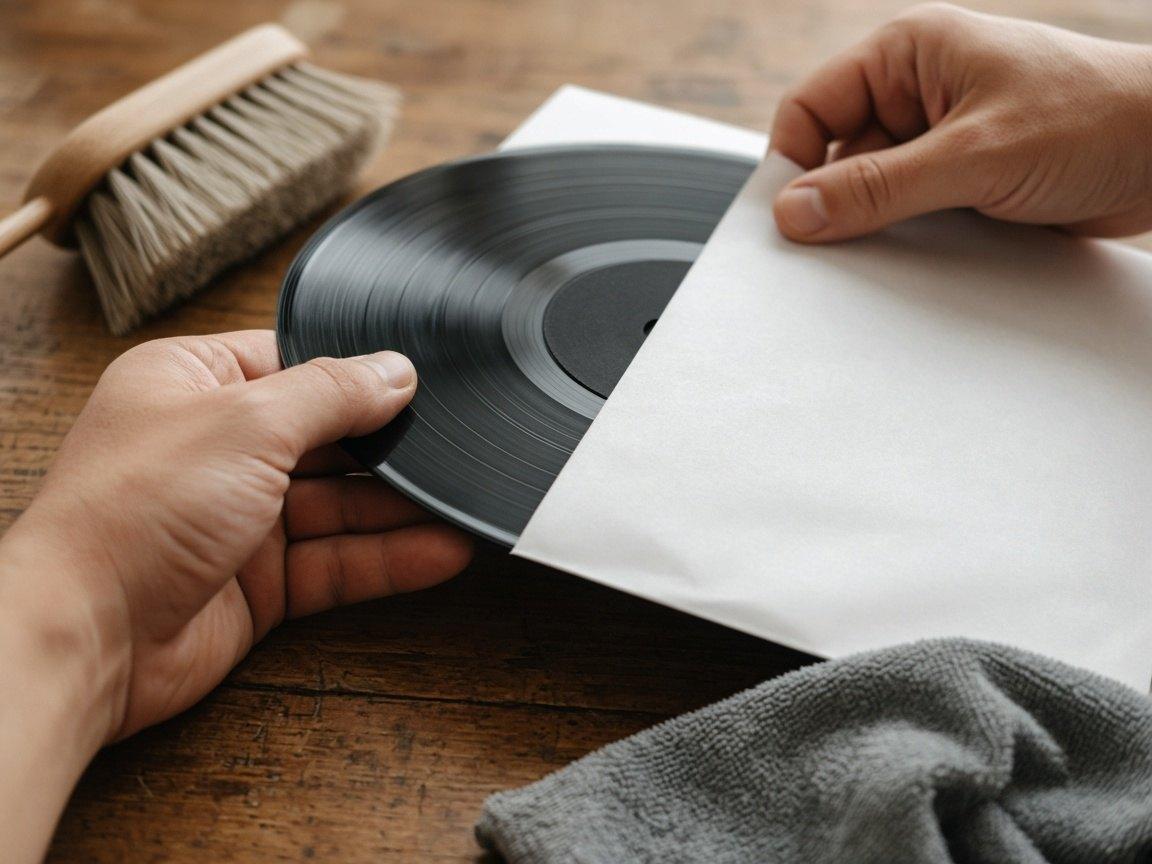
- Inner sleeve (also called a dust sleeve or bag): the paper or plastic sleeve the record goes into first, before it goes into the jacket. Blank inner sleeves often have a die-cut hole so the label shows.
An outer plastic sleeve is a third thing: a protective bag over the finished jacket, often used in shops and collections. That is not the same as a printed cover, and it is not what the album cover maker designs.
Jacket size is not identical to the disc. A 12-inch record is 12 inches across. Bags Unlimited lists kraft LP jackets at 12-1/4 x 12-1/4 inches (cited on the album cover maker page, checked November 21, 2026). Treat published jacket sizes as manufacturer figures, not as one universal die.
What you can design for a custom record
Only the options that exist in the live tools are listed here:
- In the record builder, you can set cover art as title text or upload a JPEG, PNG, or WebP image, and you can set label text. Vinyl colors in the builder are black, white, red, blue, and clear.
- The album cover maker runs in your browser. It can export a 3,000 by 3,000 pixel PNG for a 12-inch jacket square or for a digital square. That file is a design starting point, not a press-ready jacket mechanical with bleed and a spine.
- There is no inner-sleeve editor, no spine editor, and no picture-disc option in the builder today.
If you are planning the whole record, not just the cover, start with make your own vinyl record or personalized vinyl records.
Use the album cover maker
Open the album cover maker, pick a template, add a title and an optional photo, and download the PNG. The photo stays in your browser on that page. Then upload the file as cover art in the record builder when you plan the disc.
Practical artwork tips
- Work in a square. The maker's 12-inch jacket preset exports 3,000 by 3,000 pixels, the same pixel size Apple recommends for digital cover art on its Music Provider Support material (cited on the maker page, checked November 21, 2026).
- Keep the title large and high contrast. A jacket has to read at arm's length, and the spine, which this tool does not design, is even narrower.
- Leave room at the edges. Physical jackets are slightly larger than the disc, and plants have their own dies. We have not published a partner print specification, so do not treat the PNG as a finished print file.
- Use images you have the right to use. Do not upload commercial album art, logos, or photographs you do not own or license.
Once the record exists, store it vertically in a jacket, which is the usual advice on how to store vinyl records. Cost and packaging included by other shops are compared on what a custom vinyl record costs. This page does not state a Still Vinyl product price.
There is no checkout yet. The builder saves a waitlist reservation. You can upload cover art you designed, or set title text, when you plan a record.
Related guides
FAQ
- What is a custom vinyl sleeve?
- People usually mean a printed jacket, the outer cardboard pocket with the artwork, or they mean a printed inner sleeve that the disc sits in. In plant language, the jacket is the cover, and the inner sleeve (also called a dust sleeve or bag) is the thinner sleeve around the record. Gotta Groove Records defines both that way in its glossary, checked November 21, 2026.
- What is the difference between a sleeve and a jacket?
- A jacket, also called a cover, is the outer pocket the record goes into. An inner sleeve is the paper or plastic sleeve the disc is put into first. Gotta Groove Records, in its glossary checked November 21, 2026, says records first go into an inner sleeve, then into the jacket. When someone says 'custom vinyl sleeve,' they may be asking for either one.
- Can I print a photo on a record sleeve?
- You can plan cover artwork with a photo you have the right to use. The Still Vinyl builder accepts a JPEG, PNG, or WebP upload as cover art, or you can set title text. The in-browser album cover maker exports a 3,000 by 3,000 pixel PNG you can upload there. The builder does not currently offer a separate inner-sleeve designer or a picture disc.
- Do I need a special inner sleeve?
- An inner sleeve protects the playing surface from dust and from rubbing on the jacket. Gotta Groove Records notes that plain paper inner sleeves can scuff a record over time, and it does not recommend cardstock inner sleeves for that reason (glossary checked November 21, 2026). Still Vinyl has not published which inner sleeve ships with a finished record, so this page does not invent one. For storage practice, see how to store vinyl records.